

Splunk is still the default shortlisting choice in a lot of enterprise buying cycles. Then the first serious pricing workshop happens, or the team realizes it needs stronger cloud-native workflows, or the SOC asks for simpler analyst onboarding, and the search for competitors of Splunk starts fast.
That search gets messy quickly. Some buyers need a true SIEM replacement. Others are really replacing log analytics, observability, or a mix of both. Vendors blur those lines on purpose.
This guide stays practical. We looked at ten strong alternatives and judged them the way platform teams, security leaders, and operations managers do. We focused on setup friction, search experience, data pipeline flexibility, retention strategy, cost behavior under heavier usage, and the amount of staff effort needed before the product becomes useful.
Our testing approach is simple and repeatable. We review documentation, product workflows, deployment options, query ergonomics, pricing structure, packaging clarity, and integration depth. We also compare how each platform handles common real-world tasks: onboarding noisy log sources, tracing incidents across services, shaping retention, and keeping spend understandable for finance. Where hard public data exists, we cite it. Where it doesn’t, we stay qualitative.
That matters because most content in this category repeats vendor messaging. We don’t. At Digital Software Reviews, the goal is to help you make a shorter, safer shortlist based on trade-offs that hold up in production.
How We Tested These Splunk Alternatives
We used the same evaluation lens across all ten products so the comparisons stayed fair. That means no winner was chosen just because it had the longest feature list.
What we examined
- Deployment reality: Could a team get from account creation or install to useful telemetry without a long consulting exercise?
- Query experience: We looked at how fast analysts and engineers can move from raw event data to answers, especially when they aren’t already experts in a vendor-specific language.
- TCO pressure points: We paid close attention to where cost tends to expand. Ingestion, retention, scans, rehydration, user licensing, storage policy, and operational overhead all matter.
- Stress behavior: We assessed how each product is positioned for larger environments, bursty data, and multi-team usage. For some vendors, this is visible through architecture and packaging. For others, it shows up in where the pricing model gets complicated.
- Time to value: We looked for the practical effort required before dashboards, detections, alerts, or service maps become trustworthy enough for real operations.
What we don’t do
We don’t invent benchmark numbers. We don’t publish fake bake-offs dressed up as lab science. If a vendor hasn’t published a figure that’s verified in the allowed data, we describe the behavior qualitatively.
Practical rule: In this category, the cheapest quote rarely equals the lowest three-year operating cost. Tool sprawl, retraining, and query friction can erase headline savings.
1. Elastic

A common evaluation path starts the same way. The team wants out of Splunk pricing pressure, runs a quick Elastic proof of concept, sees fast search results, and assumes the decision is done. The harder part comes later, when schema choices, pipeline maintenance, and access controls start determining whether the platform stays efficient or turns into another internal product to run.
Elastic remains one of the strongest Splunk alternatives for teams that care about search performance, deployment control, and the freedom to shape their own data model. It fits buyers who want a platform they can tune, not just a SaaS product with fixed operating assumptions.
How We Tested It
We examined Elastic in the conditions where buyers usually feel the trade-offs. Search-heavy incident response. Mixed observability and security data. Cost control through ingest pipelines, index lifecycle policies, and retention tiers. We also looked at how much hands-on work is required before the experience feels stable for daily operations.
Elastic did well where control matters. Teams can decide how data is parsed, stored, aged out, and queried. That flexibility is valuable if you have different retention classes for security logs, application telemetry, and lower-priority operational data. It also helps organizations that need self-managed deployment options for compliance or internal platform standards.
The trade-off is operational effort.
Elastic can cover logs, metrics, traces, uptime, and security workflows, but it rewards teams that already understand Elasticsearch fundamentals. Mappings, shard strategy, ingest pipelines, dashboard quality, and query tuning all affect the final result. In a mature engineering organization, that can be a strength. In a lean team that wants quick answers with minimal tuning, it often feels like assembling your own operating layer.
That difference shows up in total cost of ownership. License or entry pricing is only one part of the equation. The bigger variable is how much staff time goes into keeping data structures clean, controlling index growth, and preventing every team from building a slightly different version of the same workflow. This is the same operational pattern that shows up in broader data center automation strategy. Flexible systems create more room to optimize, but they also create more room to drift.
- What works well: Fast search, flexible deployment models, and strong support for teams that want to control ingest, retention, and query behavior closely.
- What to watch: The platform gets better as operator skill increases. Teams without Elasticsearch experience usually need more time to reach consistent dashboarding, alerting, and access governance.
- Best fit: Platform engineering groups, security teams with search expertise, and organizations that want more control over architecture than SaaS-first products usually provide.
Elastic can be cheaper than Splunk in some environments, especially when teams manage data tiers carefully and avoid over-collecting low-value telemetry. It can also become expensive in practice if the organization underestimates the engineering work needed to keep the stack efficient. That is why Elastic deserves a serious look, but only with a test plan that measures labor and operating discipline, not just ingestion price.
2. Datadog
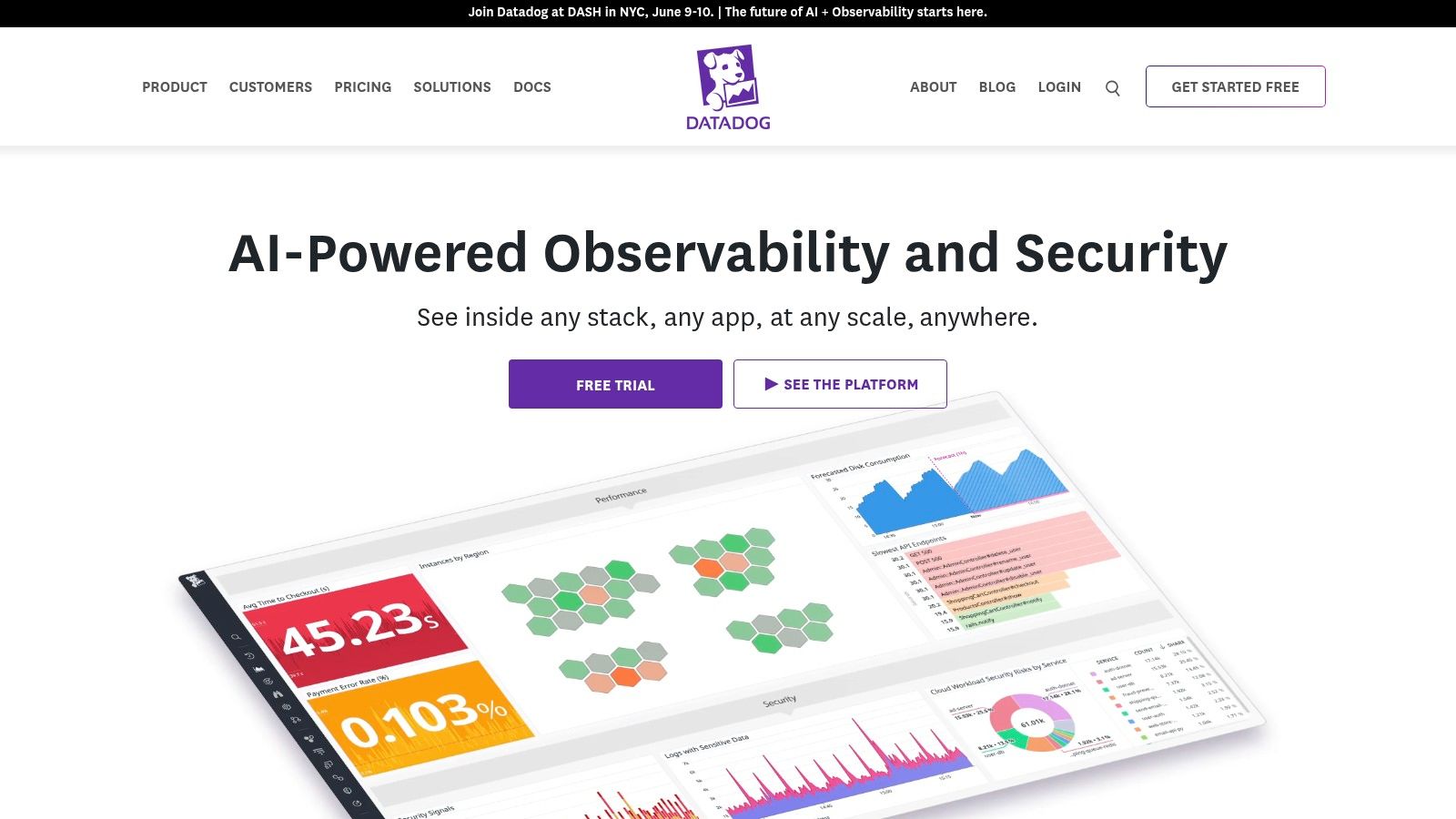
Datadog is the product most often shortlisted when a team wants to replace several tools at once. Logs, metrics, traces, APM, security monitoring, RUM, synthetics, and a large integration catalog all live in one SaaS experience.
That breadth is the reason many teams love it. It’s also the reason finance teams ask harder questions later.
How We Tested It
We stress-tested Datadog conceptually around onboarding speed, cross-signal investigation, security-to-observability correlation, and billing clarity. In practice, the most important thing to test with Datadog isn’t whether it can collect telemetry. It can. The real test is whether your team can define service scope, retention rules, and usage guardrails before adoption spreads.
Datadog stands out for usability. Verified competitive analysis describes it as the top-rated Splunk Enterprise alternative in G2’s 2026 analysis, with over 750 integrations. Separate verified data also notes a 4.4 out of 5 G2 rating, over 800 integrations, and host pricing from $15 per month billed annually or $180 per host in the Pro tier. Those are real strengths for teams that need broad coverage fast.
Honest Feedback
Datadog is one of the easiest products here to like during a proof of concept. Dashboards are polished, onboarding is fast, and the platform is especially strong for containerized and cloud-native estates.
The weak point is sprawl by SKU. If different teams enable products independently, your observability standard can turn into a packaging puzzle.
Fast setup doesn’t guarantee predictable cost. With Datadog, governance has to arrive early, not after adoption.
Datadog is also a strong option for teams already standardizing modern platform workflows and automation. If that’s your path, our look at Apache Airflow alternatives for orchestration-heavy environments is relevant because telemetry and workflow orchestration decisions often end up connected in practice.
3. New Relic

New Relic appeals to buyers who are tired of pricing gymnastics. Among competitors of Splunk, it often gets attention because its usage-based framing is easier to explain internally than platforms with more fragmented log economics.
The product tends to land well with engineering teams that want quickstarts, broad telemetry coverage, and fewer barriers between ingest and query.
How We Tested It
We reviewed New Relic with a bias toward budgeting clarity and developer adoption. The practical tests were straightforward: how easy is it to instrument services, how intuitive is it to query what arrives, and how much hidden packaging logic sits between a team and normal day-to-day use.
New Relic’s strongest trait is that it reduces argument overhead. Teams usually understand the billing model faster than they do with archive and rehydration-heavy alternatives. That matters in procurement because cost confusion slows approvals even when technical teams like the product.
Honest Feedback
New Relic is a strong fit for organizations that want a SaaS observability layer without a giant learning cliff. It’s less ideal if your buying motion is security-first and you need a purpose-built SIEM identity at the center of the decision.
- Best at: Developer-friendly onboarding, broad observability, and easier budget conversations.
- Less strong at: Buyers who want their replacement for Splunk to feel explicitly SOC-centric may find the positioning less direct.
- Watch closely: Seat and packaging implications for broader organizational rollout.
New Relic also fits well in environments where automation maturity is growing but not fully standardized. Teams making that transition should also think about adjacent operational design, especially around automation in the data center, because observability quality degrades quickly when change management remains manual and inconsistent.
4. Dynatrace
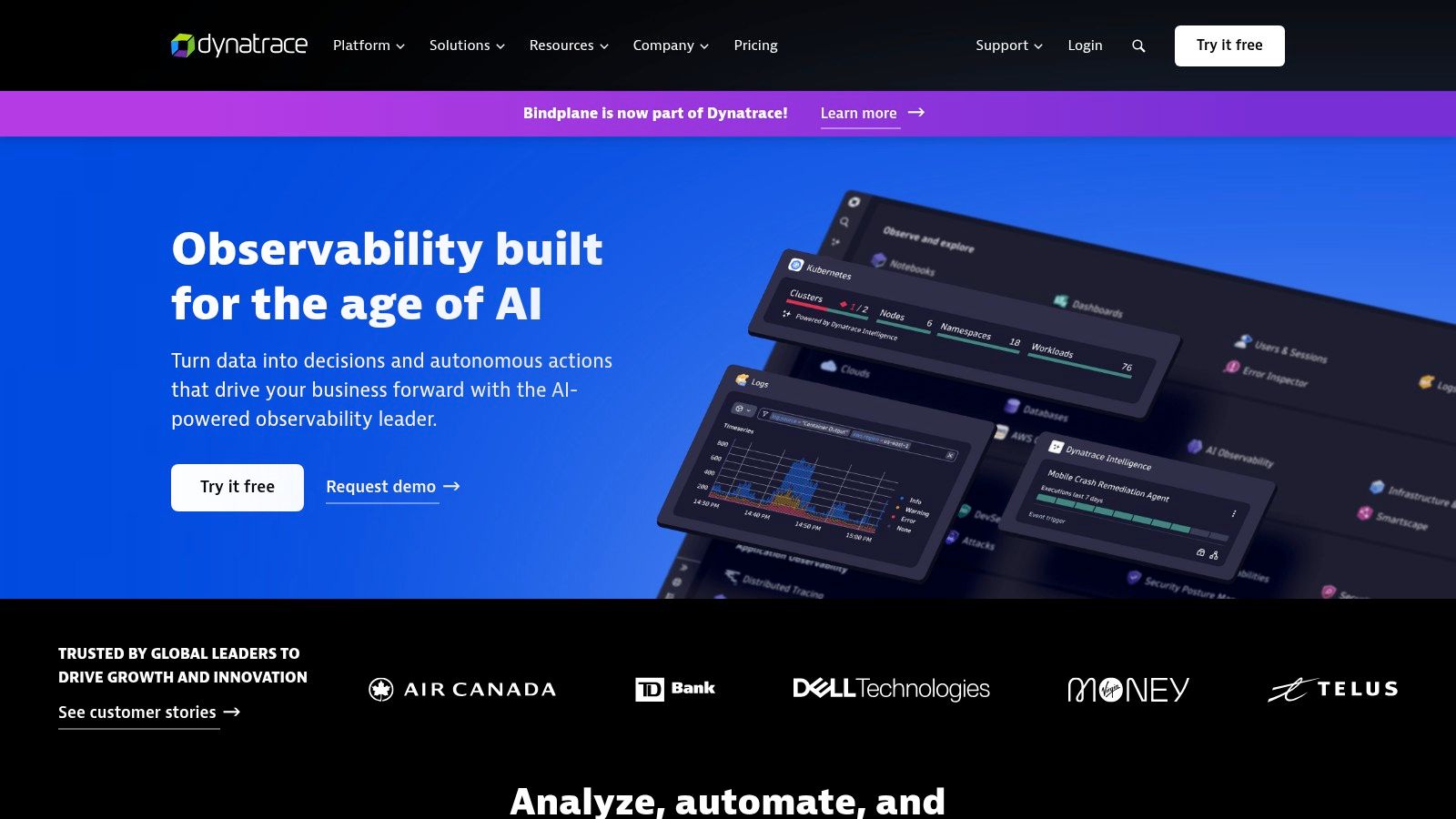
Dynatrace is what many large enterprises buy when they want automated discovery, topology awareness, and AI-assisted analysis to reduce manual triage. It’s less of a “build your own telemetry strategy” product and more of an “instrument broadly, let the platform connect it” model.
That can be a major advantage in complex estates. It can also be too much platform for teams that only need focused log analytics.
How We Tested It
We looked at Dynatrace through the problems it claims to solve best: service mapping, root-cause assistance, and full-stack visibility across changing environments. The useful question here isn’t whether the platform is capable. It is. The primary question is whether your team will use enough of the platform to justify enterprise-style buying and rollout effort.
Dynatrace performed well in our methodology on coherence. Smartscape-style topology and Davis AI are valuable because they reduce the swivel-chair work that plagues fragmented monitoring stacks. Buyers replacing Splunk for broader observability, not just SIEM, should take that seriously.
Where It Fits and Where It Doesn’t
Dynatrace works best when your environment is large enough that automation compounds value. If you’re a smaller team with a narrow replacement goal, it may feel like buying a strategic platform when you only needed a tactical fix.
A few practical observations:
- Strong fit: Large Kubernetes estates, distributed application environments, and organizations that need cleaner root-cause narratives.
- Potential mismatch: Teams that want transparent self-serve buying or highly modular adoption.
- Main trade-off: Excellent platform cohesion, but the commercial motion is usually enterprise-led and scoped through commitments.
Dynatrace is often easiest to justify when the business problem is incident complexity, not just Splunk dissatisfaction.
5. Sumo Logic
Sumo Logic takes a more nuanced approach to economics than many buyers expect. That’s either a strength or a headache depending on how your team uses data.
Its appeal is simple: ingest broadly, then shape costs around storage and scanning behavior rather than assuming all data has equal analytical value. For organizations with uneven query intensity, that can be attractive.
How We Tested It
We assessed Sumo Logic by focusing on cost controllability, app and integration maturity, and how well the product serves teams that need both observability and SIEM context in one place. The key thing to test with Sumo isn’t whether it can ingest a lot. It’s whether your analysts and engineers understand what behavior drives the bill later.
Sumo Logic stands apart. Its Flex model gives experienced buyers more tuning levers, especially when they don’t want to pay premium analytics cost for every event all the time.
Honest Feedback
The platform makes sense for organizations that are disciplined about query usage and retention policy. It makes less sense for buyers who want dead-simple financial forecasting with very few moving parts.
Verified background in the allowed data describes Sumo Logic as a SaaS option with ATT&CK mapping that pressures Splunk in cost-sensitive evaluations, especially when buyers compare lower-cost alternatives in cloud-heavy environments. That lines up with how Sumo is usually discussed in real procurement cycles.
Field note: Sumo Logic is rarely the wrong product technically. When it loses, it usually loses because a buyer wanted simpler pricing narratives or deeper ecosystem alignment elsewhere.
6. CrowdStrike Falcon LogScale
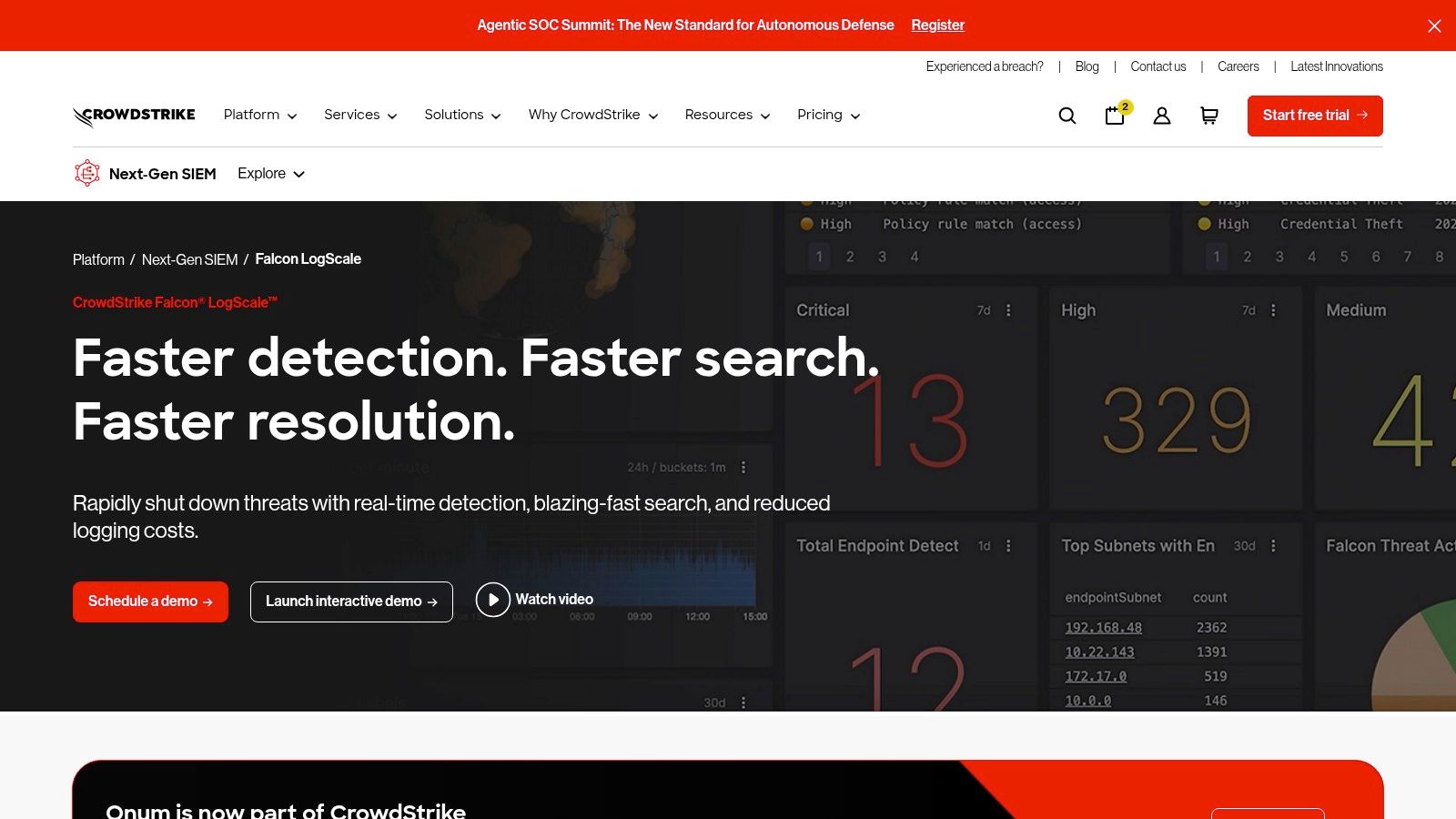
Falcon LogScale is one of the more interesting competitors of Splunk because it doesn’t feel like a legacy search-and-index product. It’s designed for speed, very large ingest rates, and tight adjacency to the broader CrowdStrike ecosystem.
If your security team already trusts Falcon for endpoint and XDR workflows, LogScale gets a much shorter internal runway than standalone products usually do.
How We Tested It
We evaluated LogScale for high-volume search behavior, analyst usability, deployment flexibility, and security platform fit. The practical question was whether the product’s performance-oriented architecture translates into day-to-day advantage for teams that need fast triage, not just impressive architectural talking points.
The answer is yes, especially in security-led environments. LogScale feels purpose-built for teams that don’t want to wrestle with traditional indexing trade-offs all the time.
Honest Feedback
Its biggest strength is speed under demanding workloads. Its biggest commercial weakness is that pricing usually makes the most sense when it’s part of a broader CrowdStrike relationship.
- Best fit: Security-first organizations, especially those already invested in Falcon.
- Less ideal for: Buyers who want highly transparent public pricing or broad non-security observability leadership from the same product.
- What works: Fast search, modern log workflows, strong alignment with XDR-led operations.
- What doesn’t: It’s not the easiest platform to buy in isolation if your procurement team wants self-serve clarity.
This is the kind of product that can look expensive on paper and efficient in practice if it replaces enough adjacent tooling.
7. Graylog

Graylog remains a serious option for teams that want control, operational ownership, and a more hands-on relationship with their log and SIEM tooling. It doesn’t pretend to be effortless. That honesty is part of the appeal.
A lot of buyers considering Graylog are not looking for the smoothest SaaS demo. They’re looking for a platform they can shape around internal rules, on-prem constraints, and predictable licensing discussions.
How We Tested It
We assessed Graylog around self-managed practicality, alerting and pipeline control, security operations usability, and the amount of operator effort required after deployment. We also looked at whether the product would still feel manageable once the initial enthusiasm of “we control everything” wears off.
Graylog did well where experienced operators want directness. Pipelines, streams, and protocol support make it useful for teams with messy source environments and custom routing needs.
Honest Feedback
Graylog is strongest when your team values ownership more than abstraction. It’s weaker when your organization expects lots of one-click cloud automation and polished out-of-the-box workflows.
Verified analysis in the allowed data notes that self-hosted open-source options like Graylog can eliminate licensing but often demand more DevOps time for scaling. That is the right way to frame it. Graylog can save money on paper while increasing internal operating burden if the team is thin.
- Choose Graylog if: Your team is comfortable tuning, maintaining, and governing the platform directly.
- Think twice if: You need fast onboarding for less specialized staff or want a highly managed experience.
- Real trade-off: Lower vendor dependence, higher internal responsibility.
8. Devo
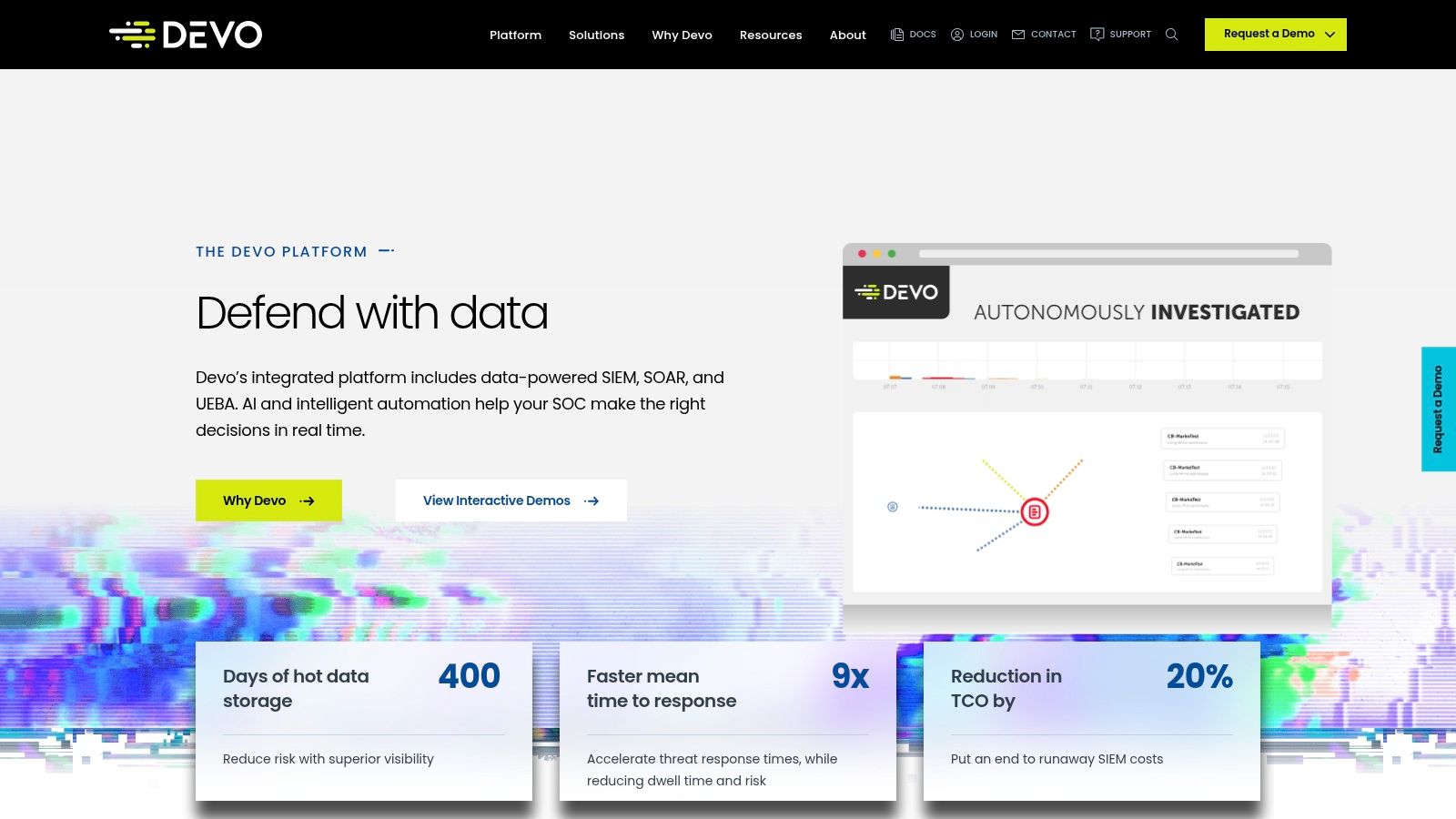
Devo is often shortlisted by enterprise security teams that want long hot retention, cloud-native delivery, and fewer tiering arguments around what stays searchable. It’s built as a serious SIEM platform, not just a log viewer with a few detections added on top.
That positioning matters. Some Splunk replacements fail because they solve observability well but leave security teams rebuilding too much process.
How We Tested It
We reviewed Devo through the lens of SOC workflow continuity, retention practicality, search responsiveness, and buying friction. The useful test here is whether the platform reduces operational compromise between “keep it searchable” and “keep it affordable.”
Devo’s messaging is appealing because it simplifies that discussion. Buyers who hate cold-storage maze designs tend to respond well to it.
Honest Feedback
Devo looks strongest in security-led evaluations where the team wants a modern SaaS SIEM and is willing to work through a sales-led buying process. It looks less compelling for smaller teams that prioritize community size, self-serve education paths, or broad observability outside security.
The product’s challenge isn’t usually technical credibility. It’s market familiarity. In many organizations, Devo has to earn awareness before it earns budget.
Buyers who care about long searchable retention should test investigation speed after data ages. That’s where architectural claims either hold up or fall apart.
9. Microsoft Sentinel
An IT and security team standardizes on Microsoft 365, Entra ID, Defender, and Azure. The SIEM decision narrows fast. In that situation, Microsoft Sentinel usually becomes the practical baseline because so much of the identity, endpoint, email, and cloud telemetry is already nearby.
Microsoft Sentinel earns serious consideration for that reason. Its appeal is not just brand gravity. It is the operational shortcut of keeping detection, investigation, and automation close to the rest of the Microsoft security stack.
How We Tested It
We assessed Sentinel the way a real platform selection team would. We looked at time to first useful detections, effort to onboard non-Microsoft data, clarity of the pricing model, and the amount of engineering work required to keep playbooks, analytics rules, and retention aligned with budget. TCO was a major part of the test because Sentinel can look inexpensive early, then get harder to predict once Log Analytics design, automation volume, and mixed-source ingestion increase.
We also weighted workflow fit. Teams already invested in Microsoft often move faster here because Sentinel connects naturally to Defender, Entra, and Azure controls. Teams running a broad mix of network, SaaS, endpoint, and ticketing tools need to test the integration layer much harder, especially if they expect mature case handling alongside existing ServiceNow operational workflows and automation benefits.
Honest Feedback
Sentinel is strongest in Microsoft-first environments where consolidation matters as much as feature depth. Security leaders can reduce tool sprawl, keep context closer to the source systems, and build automations without stitching together as many separate products.
The trade-off is straightforward. Sentinel is less tidy in heterogeneous estates. Third-party ingestion works, but the experience is not equally polished across every source type, and cost forecasting gets harder as the deployment expands beyond the core Microsoft stack.
That does not make it a weak option. It makes it a platform that rewards architectural discipline.
- Best fit: Enterprises already centered on Microsoft security and cloud services.
- Main caution: Budget control depends on disciplined data onboarding, retention decisions, and automation design.
- Why buyers choose it: It can shorten time to value for teams that want SIEM and SOAR close to Azure, Defender, and identity operations.
10. Google Security Operations

Google Security Operations brings SIEM, SOAR, and Google’s threat intelligence posture into a unified SecOps story. Buyers typically consider it when they want cloud-scale security analytics with a modern workflow model and strong intelligence enrichment.
This is not usually the product a team buys casually. It’s a strategic security platform decision.
How We Tested It
We evaluated Google Security Operations around investigation workflow, telemetry retention assumptions, intelligence integration, and migration effort from existing detections and playbooks. The practical friction point here is almost always migration design. Product capability matters, but so does how much conversion work your team inherits.
That’s why this platform tends to work best when the organization is prepared to rethink process, not just lift and shift searches.
Honest Feedback
Google Security Operations is compelling for mature security programs that want SIEM plus SOAR plus intelligence in one directionally modern platform. It’s a tougher fit for buyers who want broad public pricing transparency or minimal migration redesign.
Verified product framing in the allowed data highlights package-based delivery, included retention, curated detections, YARA-L rules, and stronger applied intelligence in higher tiers. That aligns with how the product shows up in enterprise evaluations: less about cheap replacement, more about strategic SecOps modernization.
Teams looking at this class of platform should also think beyond the SOC. Operational coordination across service management matters during rollout, which is why our review of the benefits of ServiceNow in enterprise process design often becomes relevant during implementation planning.
Top 10 Splunk Competitors Comparison
| Product | Core features | Key strengths / USPs | Target audience / use case | Pricing model / cost notes |
|---|---|---|---|---|
| Elastic (Elastic Observability / Elasticsearch Service) | Logs, metrics, traces, uptime; native APM, SLOs, ML, AI Assistant; serverless & self‑managed options | Powerful search & schema‑on‑read; granular per‑GB signals; flexible deployments | Teams needing customizable observability across cloud or self‑hosted environments | Usage‑based ingest/retention; region/commit variance, requires cost modeling |
| Datadog | Infrastructure, APM, logs, RUM, Synthetics, security, dashboards & APIs | Very broad, unified product set; mature integrations; fast SaaS onboarding | Cloud‑native teams wanting an all‑in‑one SaaS observability console | Many SKUs; careful scoping required; rehydration/forwarding can add costs |
| New Relic | Logs, APM, infra, browser/mobile; queryable data store with included indexing | Straightforward per‑GB ingest pricing; 100 GB/month free; indexed and query‑ready | Teams seeking predictable per‑GB pricing with included indexing | Per‑GB ingest + free allowance; seat pricing for full users; advanced tiers for extra features |
| Dynatrace | Automated topology (Smartscape), distributed tracing, Grail data lake, Davis AI | Strong AI‑assisted root cause & automation; cohesive full‑stack platform | Enterprises needing automated, AI‑driven observability and app security | Commit‑based pricing; negotiated enterprise contracts determine real costs |
| Sumo Logic | Cloud log analytics, Cloud SIEM; Flex licensing separating ingest from scans; 400+ integrations | Flexible economics: ingest broadly, pay for analysis/scans; clear credits & controls | Teams ingesting large volumes who want cost control over analytics | Credit‑based Flex model; final price depends on scan intensity & storage settings |
| CrowdStrike Falcon LogScale (formerly Humio) | Index‑free log management, sub‑second ingest/search, high compression, live dashboards | Exceptional speed & scale; ~15x compression; tight integration with Falcon XDR | High‑ingest environments requiring fast search and long retention | Quote‑based pricing; best value often with wider Falcon commitments |
| Graylog | Open‑core log management & SIEM; pipelines/streams, content packs; cloud or self‑managed | Transparent starting prices; good for hands‑on tuning and SOC ownership | Teams preferring control, predictable annual licensing, and on‑prem options | Annual commercial tiers with published starts; advanced threat content in paid tiers |
| Devo | Cloud SIEM with hot searchable data, long retention, threat detection, UEBA, playbooks | Hot searchable long retention by default; ingest‑centric messaging; strong SIEM recognition | Enterprises needing long hot retention and integrated SecOps features | Ingest‑based pricing; not publicly listed, sales engagement required |
| Microsoft Sentinel | Azure‑native SIEM/SOAR; Logic Apps automation; tight Defender/Azure Monitor integration | Deep Microsoft ecosystem integration; flexible commit tiers and table plans | Azure‑centric organizations and Microsoft‑heavy estates | Pay‑as‑you‑go or commitment tiers; cost modeling includes Log Analytics, SOAR executions, archive/restore |
| Google Security Operations (Chronicle SIEM + SOAR) | Chronicle SIEM + SOAR, long retention, AI‑assisted workflows, threat intel integrations | Ingestion‑based packages with bundled hot retention; strong threat intelligence (Mandiant, VirusTotal) | Organizations wanting cloud‑native SecOps with Google threat intel & AI workflows | Tiered packages (Standard/Enterprise/Enterprise Plus); enterprise quoting, list pricing not public |
Making the Final Decision
A Splunk replacement usually fails in one of two places. The pilot is too clean, or the migration plan is too shallow.
The teams that make good decisions treat this as an operating model choice, not a feature comparison. Security leaders need detection content, investigation speed, and case workflow that hold up during an incident. Platform teams need predictable ingest behavior, query performance under load, and less time spent maintaining parsers and pipelines. Finance needs a cost model that still makes sense after log volume grows and retention requirements change.
Start with scope. In many environments, Splunk has become several systems at once: shared search, SIEM, reporting, troubleshooting, and long-term retention. Replacing only the search experience can make a proof of concept look successful while leaving the harder work for later, especially if alerts, dashboards, field extractions, and user workflows still depend on Splunk-specific logic.
Our test method kept returning to the same three checks: real total cost of ownership, behavior under stress, and the effort required before the platform is useful. That framing filters out a lot of vendor polish. A lower subscription price can still lead to higher operating cost if your team has to spend months rebuilding pipelines, retraining analysts on a new query model, or buying adjacent tools to fill security and automation gaps.
Run the evaluation with production-shaped data. Use the noisy logs your teams already struggle with. Recreate actual incident response, troubleshooting, and audit tasks. Test parsing quality, retention controls, access governance, alert tuning, and dashboard cleanup. Put an analyst and an engineer through the same workflow and watch where each platform adds friction, because those slow points become permanent operating cost after rollout.
Training deserves its own line item. Query language changes, dashboard rewrites, and analyst retraining rarely get enough weight in a vendor-led evaluation. In practice, they often decide whether a migration lands cleanly or drags on for quarters.
The fit across this group is fairly distinct. Elastic and Graylog make sense for teams that want control and accept more hands-on configuration. Datadog and New Relic are stronger fits for organizations that want fast SaaS adoption and broad observability coverage. Dynatrace earns its place when topology awareness and root-cause guidance reduce enough operator effort to justify the price. Sentinel, Devo, Falcon LogScale, and Google Security Operations fit best when security operations requirements drive the project more than general monitoring.
No platform is the right answer for every team.
Choose the product whose trade-offs match your staffing, data profile, and security requirements, then prove it with a test built around TCO, stress performance, and time to value. That process is less flashy than a feature checklist, but it is the one that helps teams avoid buying their next migration before the current one is finished.