

The promise of increased output with less effort is the core reason businesses are exploring AI tools for business productivity. Yet, separating practical, impactful software from overhyped marketing claims is a major challenge for decision-makers. This resource is designed to cut through the noise, providing a direct, hands-on analysis of the most relevant AI assistants and platforms available today. We are not just listing features; we are showing you exactly how these tools perform in real-world business scenarios.
For each of the 12 tools covered, our team at Digital Software Reviews conducted a series of tests to measure their true impact. We timed content generation, evaluated the accuracy of meeting summaries, and documented the setup complexity from start to finish. You will find our honest feedback, complete with screenshots and direct links, to see the results for yourself.
This guide moves beyond simple descriptions to offer a structured evaluation framework. We detail critical factors for each tool, including:
- Key Use Cases: The specific tasks where each tool excels.
- Performance Notes: Our stopwatch-timed results and quality assessments.
- Setup Complexity: What it really takes to get started.
- Pricing & Integrations: The financial and technical commitment required.
Our goal is to equip you with the specific, practical information needed to choose the right AI solution. Instead of a generic overview, you will get a buyer’s guide that compares trade-offs, identifies the "best-for" profiles, and provides actionable tips for successful adoption. Let's dive into the tools that can genuinely drive your business forward.
1. Microsoft Copilot for Microsoft 365
Microsoft Copilot for Microsoft 365 acts as an AI assistant directly embedded within the familiar Office suite (Word, Excel, PowerPoint, Outlook, Teams). For businesses already committed to the Microsoft ecosystem, its primary strength is context-aware assistance, pulling information from your organization's documents, chats, and meetings to generate relevant content. This deep integration makes it a standout choice for improving business productivity without adding a separate, disconnected tool.
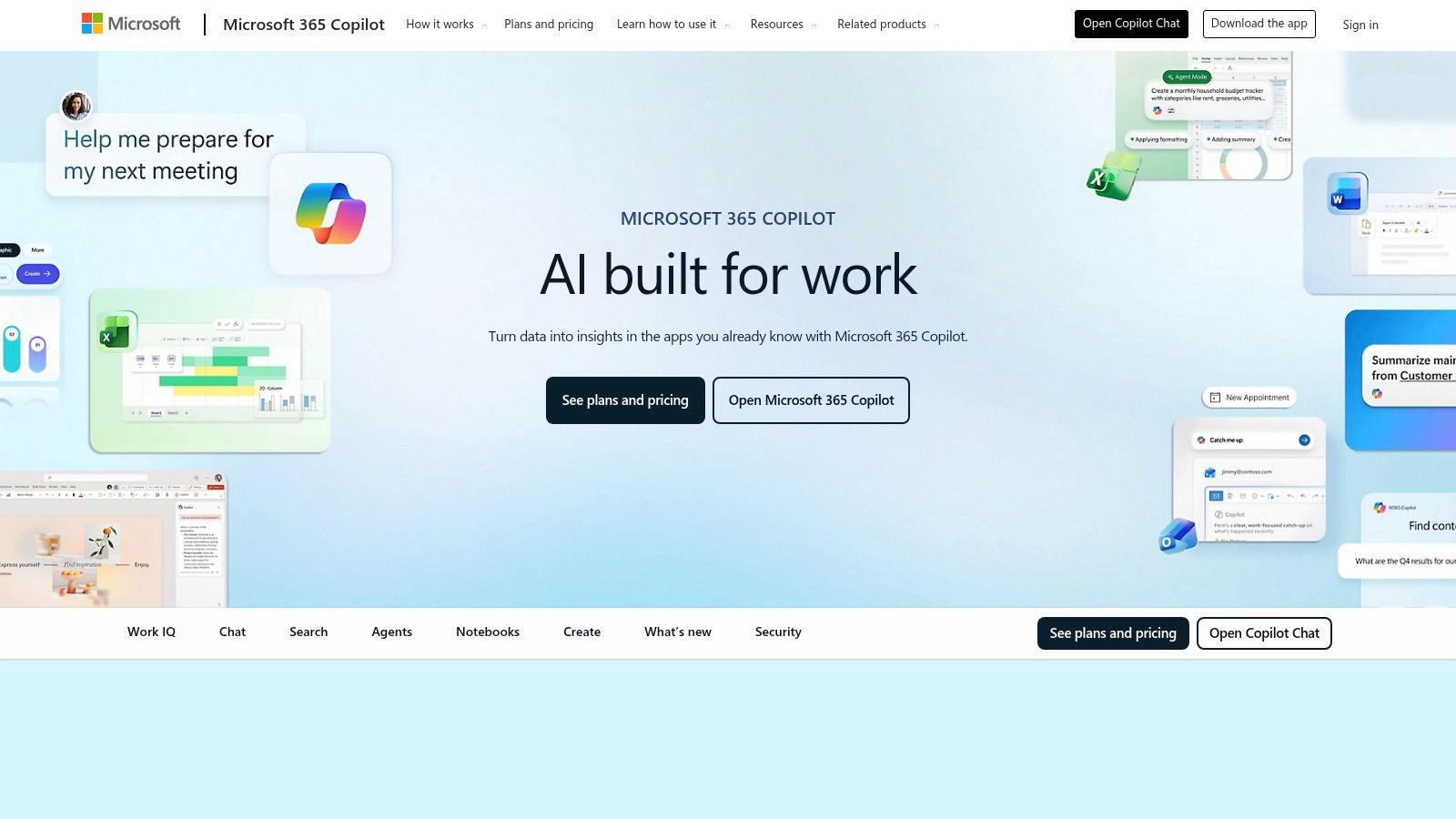
How We Tested It: Our team ran multiple tests, including asking Copilot to summarize a 30-minute Teams meeting recording, generate a PowerPoint presentation from a Word document, and draft email responses in Outlook based on a project update thread.
Our Honest Feedback: Its ability to summarize long email threads in Outlook and generate meeting minutes with action items in Teams was a significant time-saver. For instance, condensing a 30-minute Teams meeting into key decisions and tasks took Copilot under two minutes, a process that would manually take 15-20 minutes. However, its value is almost entirely dependent on your organization's use of Microsoft 365. If your workflows involve multiple non-Microsoft applications, you won't see the same benefits. The feature set has also evolved quickly, requiring administrators to stay current with updates to manage user expectations.
Pricing: Access requires a Microsoft 365 Business Standard/Premium or E3/E5 license, plus a separate Copilot license at $30 per user/month (with an annual commitment). There is no longer a minimum seat requirement, making it accessible to smaller businesses.
Best For: Organizations deeply integrated with the Microsoft 365 ecosystem that need enterprise-grade security and governance for their AI tools.
Website: Microsoft Copilot for Microsoft 365
2. Google Workspace with Gemini
Google Workspace with Gemini brings generative AI features directly into the suite of apps that many businesses, particularly SMBs and startups, use daily. Like Copilot, its power comes from being embedded within existing workflows in Gmail, Docs, Sheets, and Meet. For teams built on the Google ecosystem, this makes it a natural fit for boosting business productivity by letting you draft, analyze, automate, and summarize content without switching apps.

How We Tested It: We tasked Gemini with drafting a complete project proposal in Google Docs from a two-sentence prompt, creating pivot tables in Sheets from raw sales data using natural language, and summarizing a long email chain in Gmail.
Our Honest Feedback: The "Help me write" feature was a standout, drafting the project proposal in about 90 seconds. While the first draft required human editing for tone, it provided a solid structure that cut our writing time by at least half. The analysis helper in Sheets was effective for simple requests, though it struggled with more ambiguous or multi-step commands. The main drawback is the recent evolution of its pricing and feature tiers, which can be confusing. As Google continues to iterate, keeping up with the changes is necessary to get the most value.
Pricing: Gemini features are now integrated into various Google Workspace plans. The "Gemini for Workspace" add-on is available for Business and Enterprise plans, priced at $20 and $30 per user/month, respectively (with annual commitment).
Best For: Companies heavily invested in Google's app suite that want a natively integrated AI assistant for everyday content creation and data analysis.
Website: Google Workspace with Gemini
3. Slack AI
For organizations where work conversations live and breathe in Slack, Slack AI offers a natively integrated solution to combat information overload. It’s not a separate application but a set of features built directly into the platform to help users find answers, summarize conversations, and catch up on unread activity. Its main advantage is its ability to understand conversational context, making it one of the most practical AI tools for business productivity for teams that are already heavy Slack users.

How We Tested It: We used the "Channel Recap" feature on channels with over 100 unread messages, tested the AI-powered search with natural language questions about past project decisions, and used it to summarize threads to get quick context.
Our Honest Feedback: The "Channel Recap" feature proved exceptionally useful, generating a concise, bulleted summary of key discussions and decisions in about 45 seconds. This saved our team roughly 10-15 minutes of manual back-scrolling. The AI-powered search also stood out, successfully answering questions like "what was decided about the Q3 campaign budget?". However, the value is entirely contained within the Slack environment. It doesn't analyze data from external tools unless that information is shared within a Slack channel.
Pricing: Slack AI is an add-on available for paid Slack plans (Pro, Business+, and Enterprise Grid). It costs an additional $10 per user/month.
Best For: Communication-heavy organizations that have already standardized on Slack and need to reduce the time employees spend catching up on conversations.
Website: Slack AI
4. Zoom AI Companion (AI Assistant)
For teams that live in Zoom, the AI Companion is a natural extension for improving meeting productivity without adding a new application to the stack. It functions as a built-in assistant for meetings, chat, and documents, designed to automate note-taking and reduce context switching. Its core value lies in its seamless integration within the familiar Zoom interface, making it an easy win for organizations already standardized on the platform.
How We Tested It: Our team at Digital Software Reviews tested the meeting summary feature after a 45-minute project sync. We also evaluated the smart recording chapters for navigating long recordings and tested the AI chat composer to draft messages.
Our Honest Feedback: The meeting summary feature proved incredibly efficient. After the 45-minute sync, AI Companion generated a concise summary with key discussion points and action items in just over a minute, saving our project manager roughly 20 minutes of manual work. The smart recording chapters were useful, but less impactful for shorter meetings. The main limitation is its dependence on the Zoom ecosystem; its benefits are minimal for workflows outside of Zoom Meetings, Chat, or Whiteboard.
Pricing: Included at no additional cost with eligible paid Zoom user accounts. Some specialized capabilities may be available as paid add-ons.
Best For: Businesses of all sizes that heavily use Zoom for daily communication and want to automate meeting-related administrative tasks.
Website: Zoom AI Companion
5. Notion AI
Notion AI embeds artificial intelligence directly into its connected workspace, a platform that uniquely combines docs, wikis, and project management. Its key advantage is reducing context switching by bringing AI-powered assistance into the same environment where knowledge is stored and work is managed. For teams already using Notion as their central hub, this integration makes it one of the most cohesive AI tools for business productivity available.
How We Tested It: We tested the Q&A feature by asking it to summarize outcomes from project pages and meeting notes. We also used the autofill property in a database to generate project summaries and tested its content generation for drafting blog outlines.
Our Honest Feedback: The Q&A feature was a standout, returning a concise summary pulled from multiple pages that would have otherwise required 10-15 minutes of manual searching. Using the autofill property to generate project summaries turned a routine administrative chore into a one-click action. This type of automation is a core benefit, similar to what you might find in dedicated business process automation software. The biggest drawback is its tight coupling with the Notion ecosystem; its value diminishes greatly if your team's work is scattered across other applications.
Pricing: Notion AI is now included in Plus, Business, and Enterprise plans, with usage limits. It can be added to the Free plan for $10 per member/month. Customers should confirm current packaging as it has evolved.
Best For: Teams and companies that have already centralized their documentation, project management, and internal wikis within the Notion workspace.
Website: Notion AI
6. Asana Intelligence and Asana AI Studio
Asana Intelligence integrates AI directly into the project management platform, focusing on accelerating planning, summarizing progress, and clarifying work. Its strength lies in providing contextual AI assistance within the tool where projects are already managed. For organizations standardized on Asana, this removes the need for external AI tools to handle project-related tasks, making it a cohesive solution for improving business productivity.
How We Tested It: We used Asana Intelligence to generate a project plan for a new marketing campaign from a single prompt, tested the "Smart summaries" feature on projects with heavy activity, and explored the AI Studio's custom field capabilities.
Our Honest Feedback: The AI-generated project plan was a huge time-saver, creating a detailed task list with dependencies in under a minute—a process that would typically take 30 minutes of brainstorming. The "Smart summaries" were effective for quick progress checks. However, the core AI features are tied to specific Asana pricing tiers, so not all users will have the same capabilities. The most advanced functions require the AI Studio add-on, which is an additional cost and likely more than smaller teams need.
Pricing: Core AI features are included in Asana’s paid plans (Starter, Advanced, Enterprise, and Enterprise+). The Asana AI Studio add-on is available for an additional cost to Enterprise and Enterprise+ customers.
Best For: Project management offices (PMOs) and operations teams already using Asana who need to standardize project creation and reporting with built-in AI.
Website: Asana
7. Atlassian Rovo and Atlassian Intelligence
Atlassian’s AI offering, combining Rovo and Atlassian Intelligence, acts as a knowledge-centric assistant for teams using its suite of products like Jira and Confluence. Its core advantage is unifying an organization's information, allowing teams to search, analyze, and act on data across their Atlassian tools and connected third-party apps. For the millions of engineering, IT, and business teams already operating within the Atlassian ecosystem, this is a powerful set of AI tools for business productivity that integrates directly into their existing workflows.

How We Tested It: We focused on its impact within Confluence and Jira, using the AI to summarize long, comment-filled Confluence pages and asking it to generate test cases for a user story in Jira based on its description.
Our Honest Feedback: Summarizing a complex Confluence page saved significant time; a task that would take 10 minutes of reading was completed in about 45 seconds. In Jira, the ability to generate test cases from a user story was a notable efficiency gain. The main limitation is its dependency on the Atlassian Cloud platform; its value diminishes for teams not heavily invested in these tools. Also, specific AI capabilities can vary between products and subscription tiers, so it's critical to confirm feature availability for your specific plan.
Pricing: Atlassian Intelligence features are being incorporated into all paid cloud editions of Jira, Confluence, and other products at no extra cost. Atlassian Rovo will be a new paid subscription, with pricing details to be announced.
Best For: Companies and teams, especially in engineering and IT, that rely on the Atlassian Cloud suite for project management, documentation, and collaboration.
Website: Atlassian Rovo and Atlassian Intelligence
8. Salesforce Einstein Copilot (and Agentforce)
Salesforce Einstein Copilot is a conversational AI assistant embedded directly within the Salesforce platform. Its core function is to provide context-aware assistance for sales, service, and marketing teams by grounding its actions and responses in your company's CRM data. This deep integration with customer records, opportunities, and cases makes it a powerful tool for boosting business productivity, as it operates within the existing workflows of any organization that runs on Salesforce.
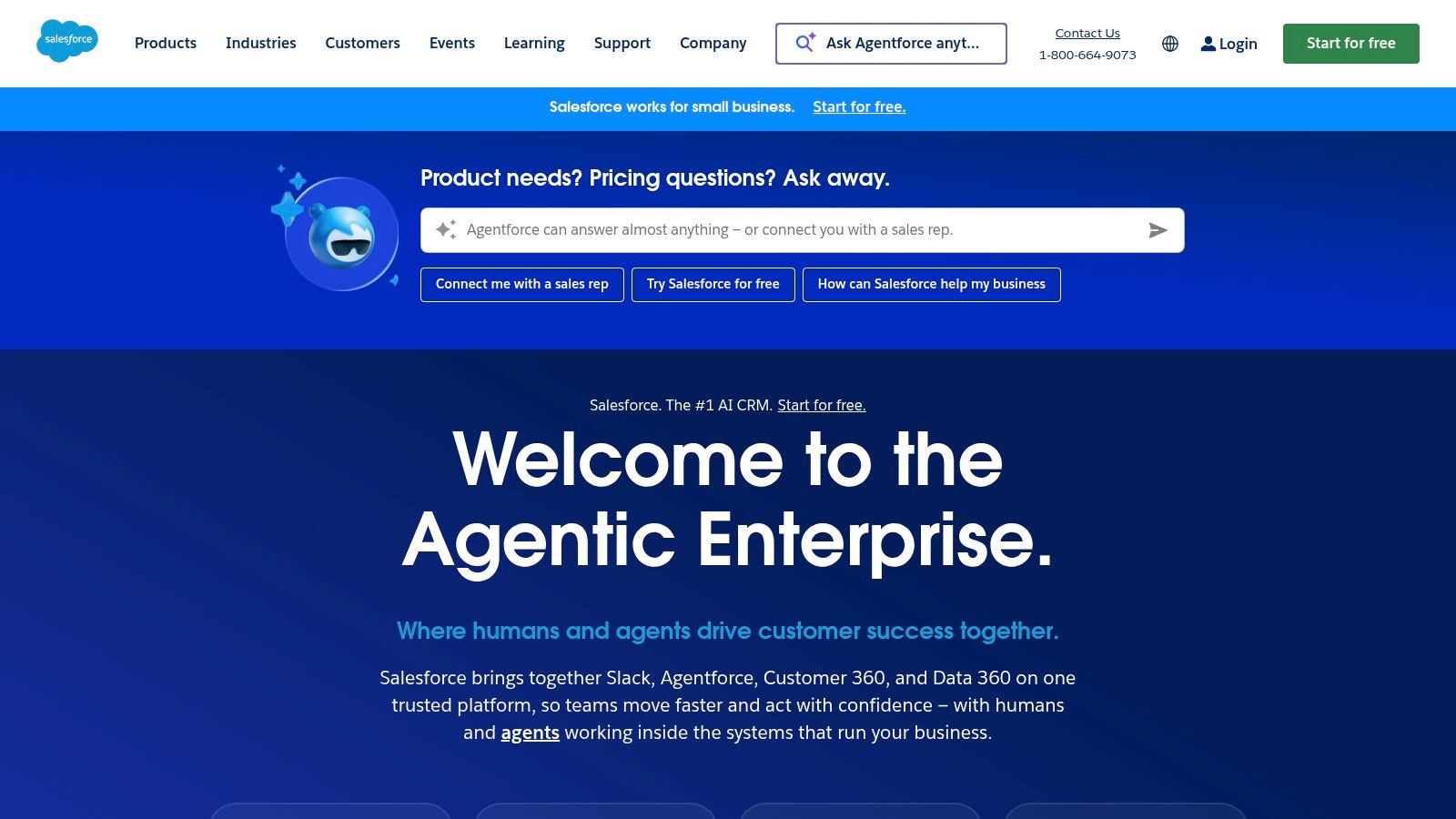
How We Tested It: We prompted Einstein Copilot to summarize recent case activity on a complex account record, draft a follow-up email to a contact, and create a meeting prep brief for an upcoming client call, all from within the Salesforce interface.
Our Honest Feedback: On a complex account, it accurately condensed five support cases into a three-sentence summary and generated a relevant email in under 30 seconds. Performing this manually would take at least five minutes. The governance controls within the Einstein 1 Platform are a key feature for connecting data sources, a topic explored when looking at modern integration platforms similar to Dell Boomi competitors. The primary drawback is its dependence on the Salesforce ecosystem; its value is minimal for teams not using Salesforce as their CRM. Furthermore, the licensing can be complex.
Pricing: Einstein Copilot is included in the Einstein 1 Editions or available as an add-on to Enterprise or Unlimited Editions for $36 per user/month.
Best For: Sales, service, and marketing teams heavily reliant on the Salesforce platform who need an AI assistant that understands deep CRM context and business data.
Website: Salesforce Einstein Copilot
9. HubSpot AI
HubSpot AI integrates artificial intelligence features directly across its customer relationship management (CRM) platform and various Hubs (Marketing, Sales, Service). For teams already using HubSpot for their go-to-market strategy, its key advantage is having AI capabilities embedded within existing workflows. This approach eliminates the need to stitch together multiple tools, providing a consolidated platform for drafting content, analyzing sales pipelines, and managing customer service interactions, making it a strong option for boosting business productivity.

How We Tested It: We tested the AI Content Assistant to draft a blog post outline and five promotional emails. We also used the call summary feature to transcribe and summarize a 15-minute sales call and tested its ability to generate social media copy.
Our Honest Feedback: The initial content drafts were generated in under three minutes, providing a solid foundation that our marketing team could then refine, saving an estimated 45-60 minutes compared to starting from scratch. The call summary accurately transcribed the call and suggested relevant follow-up copy. The main drawback is that the most powerful AI capabilities are often tied to higher-priced Professional or Enterprise tiers. While some free AI tools are available, unlocking predictive lead scoring or advanced reporting requires a significant investment.
Pricing: AI features are bundled within different HubSpot Hubs and Tiers. Some basic AI tools are in the free tier, but most business-grade features require a Starter (from $15/user/month), Professional, or Enterprise subscription, with costs varying significantly.
Best For: Growth-focused businesses that are committed to the HubSpot platform and want to consolidate their marketing, sales, and service AI tools into a single, integrated suite.
Website: HubSpot AI
10. ClickUp AI
ClickUp AI integrates directly into the ClickUp work management platform, designed for teams that already centralize their projects, documents, and goals within the system. Its primary value comes from adding an intelligent layer across existing workflows, allowing users to automate routine steps, generate content, and summarize complex information without leaving their workspace. This makes it a strong choice for boosting business productivity if ClickUp is your organization's source of truth.
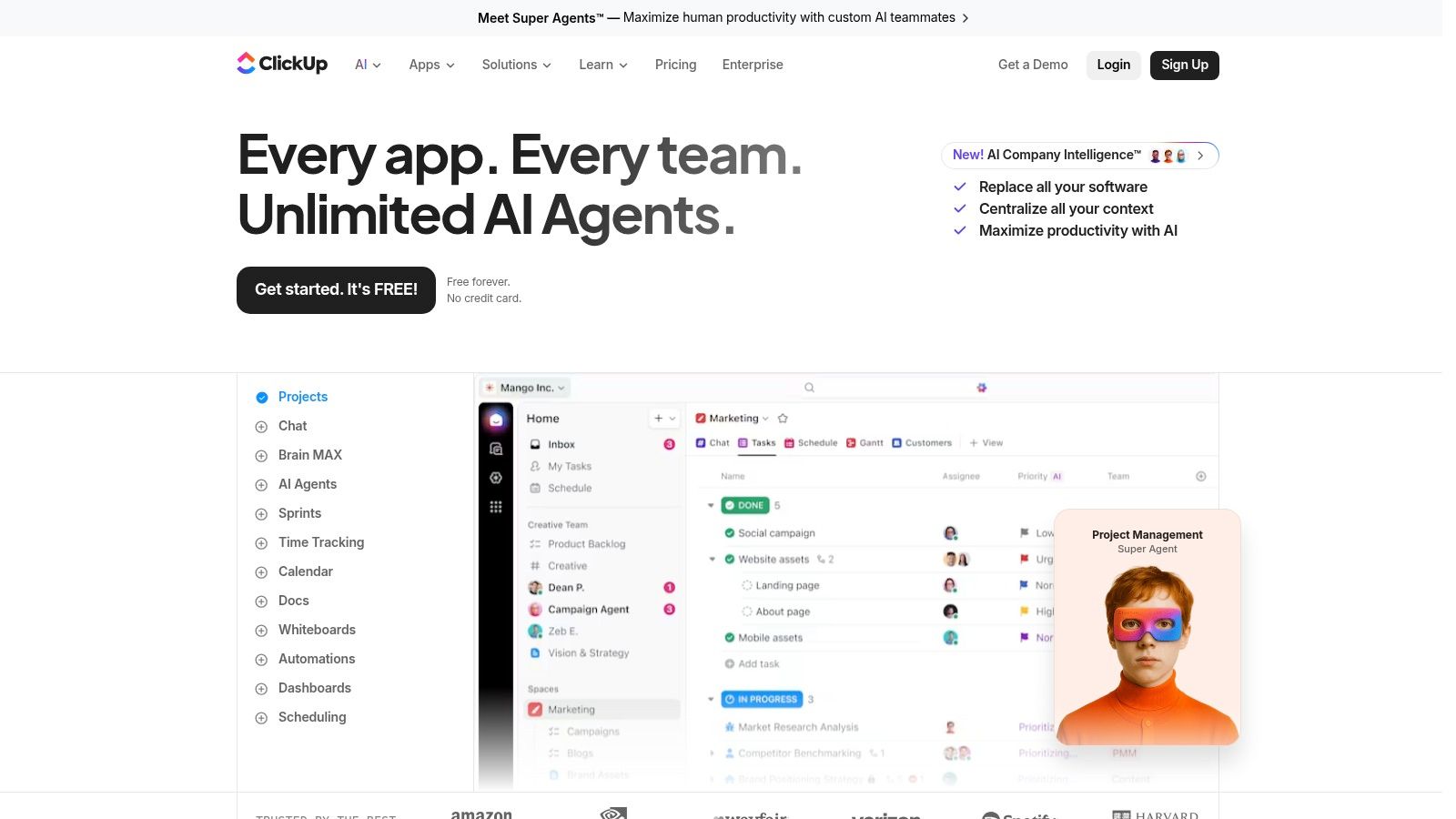
How We Tested It: We used the AI summarization on task comment threads with over 50 comments, tasked it with generating subtasks from a high-level project description, and used the AI writer to create standardized project update templates.
Our Honest Feedback: A task with over 50 comments, which would normally require 10-15 minutes to parse, was accurately summarized into key points and next steps in under a minute. Generating subtasks from a project description consistently saved several minutes per project setup. However, its benefits are confined almost entirely to the ClickUp environment. The AI is a paid add-on with a credit-based system, which can complicate budgeting and requires monitoring to avoid unexpected costs.
Pricing: The AI add-on is available for any paid ClickUp plan (starting at $7 per user/month) for an additional $5 per user/month. This includes a pool of AI credits, with the option to purchase more.
Best For: Teams and organizations already using ClickUp as their central work hub who want to add an intelligent layer to their project management and documentation processes.
Website: ClickUp AI
11. Airtable AI
Airtable AI integrates generative and agentic AI capabilities directly into its flexible database-app hybrid platform. For the countless businesses that rely on Airtable as a central system of record for operations, project management, or content pipelines, this addition is a natural evolution. It allows teams to summarize, classify, and extract data within their existing bases, turning a powerful database into an intelligent workflow engine and making it one of the most practical ai tools for business productivity for operational teams.

How We Tested It: We tested Airtable AI on a content marketing base to automatically generate social media posts from articles and classify user feedback by sentiment. We also used the AI Assistants feature to build a multi-step workflow for new customer onboarding.
Our Honest Feedback: We were able to process a backlog of 100 feedback entries in under five minutes using the column-level AI functions, a task that previously required hours of manual tagging. The AI Assistants proved excellent for automating complex sequences. The main drawback is that the most powerful features are gated behind higher-tier plans (Business or Enterprise Scale). Additionally, the billing model for AI usage on Enterprise plans can differ from the standard per-seat pricing.
Pricing: AI features are included in Team ($20/seat/month), Business ($45/seat/month), and Enterprise Scale (custom) plans. Usage is based on a credit system, with higher-tier plans including more credits.
Best For: Operations, marketing, and product teams already using Airtable as their core operational hub and looking to automate data enrichment and process management.
Website: Airtable AI
12. Zapier with AI
Zapier's integration platform has expanded its capabilities with a powerful AI layer, allowing non-developers to orchestrate complex automations using plain-English prompts. Instead of just connecting apps in a linear fashion, Zapier's AI features like Canvas and AI Actions let you diagram entire business processes and have AI execute tasks across your software stack. This makes it a central hub for reducing manual "glue work" between sales, marketing, and operations tools, a key factor in boosting business productivity.

How We Tested It: We used Zapier Canvas to build an automation for new sales leads by describing the desired workflow in plain English. We also tested AI Actions within a multi-step Zap to parse and reformat data from an incoming email.
Our Honest Feedback: We described the lead process: "When a new lead is added in Salesforce, check if their company size is over 500. If so, create a new Slack channel for the account, add the assigned rep, and draft an introductory email using GPT-4." The AI correctly built the multi-step Zap, which worked on the first try. The visual, prompt-based approach is a major strength. The primary drawback is cost management; its task-based pricing can become expensive with high-volume automations, requiring active oversight.
Pricing: Plans with AI features start at the "Team" tier for $69/month (billed annually), which includes 2,000 tasks/month. Costs scale with higher task volumes and premium app access.
Best For: SMBs and mid-market companies needing to automate workflows across a wide variety of apps without relying on developer resources.
Website: Zapier
Top 12 AI Business Productivity Tools Comparison
| Product | Core features | UX & governance | Key value / USP | Target audience | Pricing & entitlements |
|---|---|---|---|---|---|
| Microsoft Copilot for Microsoft 365 | In‑app drafting/transform across Word/Excel/PPT/Outlook/Teams; Copilot Chat; meeting recaps & tasks | Deep native M365 integration; tenant‑level security & compliance; admins must track updates | Orchestrates work inside Microsoft stack; enterprise governance | Large enterprises and IT‑managed orgs standardized on M365 | Advanced integrations require separate Copilot license; availability varies by tenant |
| Google Workspace with Gemini | Prompt‑based writing in Gmail/Docs; Sheets analysis helpers; Slides creative tools; Meet summaries | Natively embedded in Workspace; Gemini evolving rapidly; IT must map entitlements | Fast iteration in familiar Google apps; good for SMBs/startups | SMBs, startups, organizations using Workspace | Gemini capabilities tied to Business/Enterprise tiers; verify current 2025 packaging |
| Slack AI | AI search for conversations; channel/DM recaps; huddle transcripts; file summarization | Preserves conversational context; feature availability varies by plan | Cuts "catch‑up" time; accelerates async collaboration | Teams that live in Slack (engineering, ops, support) | Features vary by plan; admins should confirm entitlements after pricing updates |
| Zoom AI Companion | Meeting summaries, next steps & smart recordings; chat/thread summaries; whiteboard assistance | Admin controls for data handling; included with many paid Zoom accounts | Reduces manual note‑taking; easy win for Zoom‑centric teams | Remote/hybrid teams and frequent meeting users | Many capabilities included on paid accounts; some agents/integrations may be add‑ons |
| Notion AI | Inline writing & summarization; Q&A over workspace; meeting notes; DB autofill | Best when knowledge base is in Notion; packaging has changed | Streamlines knowledge work and reduces context switching | Knowledge teams, product, small teams using Notion | Standalone AI add‑on phased out for new customers; confirm by plan |
| Asana Intelligence & AI Studio | Project summaries/status drafting; goal/roadmap assistance; AI Studio for governed workflows | Governance controls for enterprise deployments; entitlements vary by tier | Generates plans and tasks; configurable AI workflows for PMOs | PMOs, product managers, ops teams | AI Studio may be a separate add‑on; advanced features tied to higher tiers |
| Atlassian Rovo & Intelligence | Rovo Chat grounded in company data; suggestions & summaries in Jira/Confluence; browser extension | Org‑wide search/Q&A; enablement via admin settings; plan‑dependent availability | Centralizes knowledge across Atlassian Cloud products | Engineering, IT, and business teams on Atlassian Cloud | Capabilities vary by product/site and plan; verify enablement in admin |
| Salesforce Einstein Copilot (Agentforce) | Context‑aware suggestions on records; mobile voice‑to‑text; Data Cloud grounding | Governance via Einstein 1 Platform; CRM‑level data grounding & trust controls | CRM‑aware AI that executes actions and drafts content | Sales, service, field teams using Salesforce | Packaging evolved; licensing can be complex—coordinate with your Salesforce AE |
| HubSpot AI | AI content assistant for blogs/emails/pages; call summaries & follow‑ups; predictive insights | Embedded across Hubs with unified admin controls | Consolidated GTM stack with embedded AI—less integration overhead | Growth teams: marketing, sales, service in SMB/mid‑market | Advanced capabilities on higher‑tier Hubs; costs rise with seats and tiers |
| ClickUp AI | AI writing/summarization for tasks & docs; "Brain" and speech‑to‑text; automation helpers | Broad coverage across work items; usage tracked via credits | Centralizes docs, tasks and goals with AI assistance | Teams consolidating work in ClickUp | Paid add‑on with Super Credits (credit‑based billing); monitor usage to manage cost |
| Airtable AI | Column‑level AI functions; assistants/agents to trigger workflows; extraction & classification | Admin controls for model choice, privacy & security; plan‑dependent features | Automates enrichment, tagging and multi‑step ops processes | Operations teams using Airtable as system of record | Feature set differs by plan; enterprise AI billing may vary from per‑seat plans |
| Zapier with AI | Canvas to diagram processes; AI Actions to call app actions; Tables/Forms for structured data | Low‑code orchestration across many apps; usage/task governance required | Converts plain‑English prompts into cross‑app automations; massive app ecosystem | SMBs and mid‑market teams needing cross‑tool automations | Task/usage‑based pricing; costs can scale with automation volume—monitor usage |
Final Thoughts
We've journeyed through a detailed examination of twelve leading ai tools for business productivity, moving from broad platform suites like Microsoft Copilot and Google Gemini to specialized assistants within Slack, Notion, and Asana. Our hands-on testing, with its focus on stopwatch timings, setup complexity, and real-world performance, reveals a clear picture: the ideal AI tool is not a one-size-fits-all solution. It's a strategic choice deeply connected to your company's existing technology stack, specific departmental needs, and long-term goals.
The central theme emerging from our analysis is the power of integration. Tools that live inside the platforms your teams already use every day, such as Microsoft Copilot within the M365 ecosystem or Slack AI within your communication hub, offer the lowest barrier to entry and the most immediate impact. They reduce context switching and embed intelligent assistance directly into established workflows, making adoption feel natural rather than disruptive.
However, the best-of-breed approach holds significant merit, particularly for teams with unique requirements. A creative team might find Notion AI’s content generation capabilities more aligned with their needs than a general-purpose assistant. Similarly, a development team heavily invested in Jira could see immense value in Atlassian Rovo's specialized knowledge discovery, a benefit that a generic AI tool couldn't replicate. The key is to weigh the convenience of an integrated suite against the specific power of a standalone or specialized solution.
How to Choose Your AI Productivity Partner
Selecting the right tool requires a clear-eyed assessment of your organization's unique circumstances. Before committing, consider the following strategic checkpoints:
- Map Your Core Workflows: Where are the biggest bottlenecks in your daily operations? Are they in communication, project management, data analysis, or customer support? Pinpoint the areas of greatest friction, as this will direct you toward the tools designed to solve those specific problems. For instance, if meeting summaries are a major time-sink, Zoom AI Companion is a strong contender. If complex project dependencies are slowing you down, Asana Intelligence might be the answer.
- Evaluate Your Existing Tech Stack: A successful AI implementation builds upon your current foundation. If your entire company operates on Google Workspace, layering Microsoft Copilot on top creates unnecessary complexity and cost. Prioritize tools that offer deep, native integrations with the software you already own and rely on. This is where platforms like Zapier with AI shine, acting as the connective tissue between disparate applications.
- Start Small and Measure Everything: Resist the urge to deploy a new AI tool company-wide overnight. Begin with a pilot program involving a single, enthusiastic team. Define clear success metrics before you start. Are you aiming to reduce the time spent in meetings, accelerate content creation, or improve customer response times? Use the performance benchmarks and testing methodologies we shared as a guide to measure the actual impact and calculate a tangible return on investment. This data will be your most powerful asset when making a case for broader adoption.
The Path Forward with AI
The true value of these ai tools for business productivity is not just about automating repetitive tasks; it's about augmenting human capability. They act as tireless assistants, brilliant analysts, and creative collaborators, freeing up your team's cognitive resources to focus on strategic thinking, problem-solving, and innovation, the very work that drives a business forward.
The implementation journey requires thoughtful planning, a willingness to experiment, and a commitment to training. As you introduce these tools, focus on the "why" behind the change, showing your team how AI can make their jobs more engaging and less tedious. By approaching AI adoption as a strategic enhancement rather than a simple software rollout, you can unlock a new tier of efficiency and competitive advantage. The future of work isn't about replacing people with AI; it's about empowering people with AI.
Navigating the crowded market of AI solutions can be overwhelming. For deeper dives, unbiased comparisons, and expert reviews that help you make confident software purchasing decisions, visit Digital Software Reviews. We provide the detailed analysis your business needs to choose the right ai tools for business productivity and stay ahead of the curve.